What’s New in Avid Media Composer 2026.8?
A Guide to the New Editions and Licensing Changes
Media Composer v2026.8 brings some of the biggest changes to Avid’s product lineup in years—from a dramatically more capable free edition to the return of perpetual licensing for Media Composer Ultimate. Here’s what changed, who benefits, and what it means for editors, broadcasters, educators, and post-production facilities.
At a Glance
If you’re wondering whether Avid Media Composer 2026.8 affects you, Advanced Systems Group is here to help. Here’s the short version.
Media Composer First
- Full core editing feature set
- Projects are now compatible with higher editions of Media Composer
Media Composer Standard
- Collaborative editing with Avid Bin Locking is now included
Media Composer Ultimate
- Perpetual licensing features set has expanded to align clearly with Media Composer Ultimate
Media Composer Enterprise
- Third-party shared storage now supports collaborative editing with Bin Locking
Those four changes alone make this one of the most significant Media Composer releases in recent years.
A Simpler Media Composer Family
For years, downloading Media Composer meant figuring out exactly which installer you needed.
Depending on your product and license, there were multiple installers, activation methods, dongles, and licensing combinations. Keeping everything straight wasn’t always straightforward.
Thankfully, that’s largely history.
These days, Avid provides a single installer for macOS and another for Windows. Once installed, your license then determines which edition of Media Composer is activated and which features become available.
The four editions are:

- Media Composer First
- Media Composer Standard
- Media Composer Ultimate
- Media Composer Enterprise
That simpler licensing model continues with Media Composer 2026.8, but the capabilities of each edition have changed considerably.
Media Composer First Is Finally More Than a Learning Tool
This may be the biggest announcement for students and aspiring editors.
Media Composer First serves as a free introduction to Avid editing. Previous to 2026.8 it was intentionally limited.
Only certain codecs were supported.
Projects created in Media Composer First couldn’t easily move into higher-end versions of Media Composer.
That changes with version 2026.8…
Editors using Media Composer First now have access to the full core editing feature set, including support for all Media Composer codecs and formats.
Even more importantly, projects created in Media Composer First are now compatible with the rest of the Media Composer family.
That’s a huge improvement.
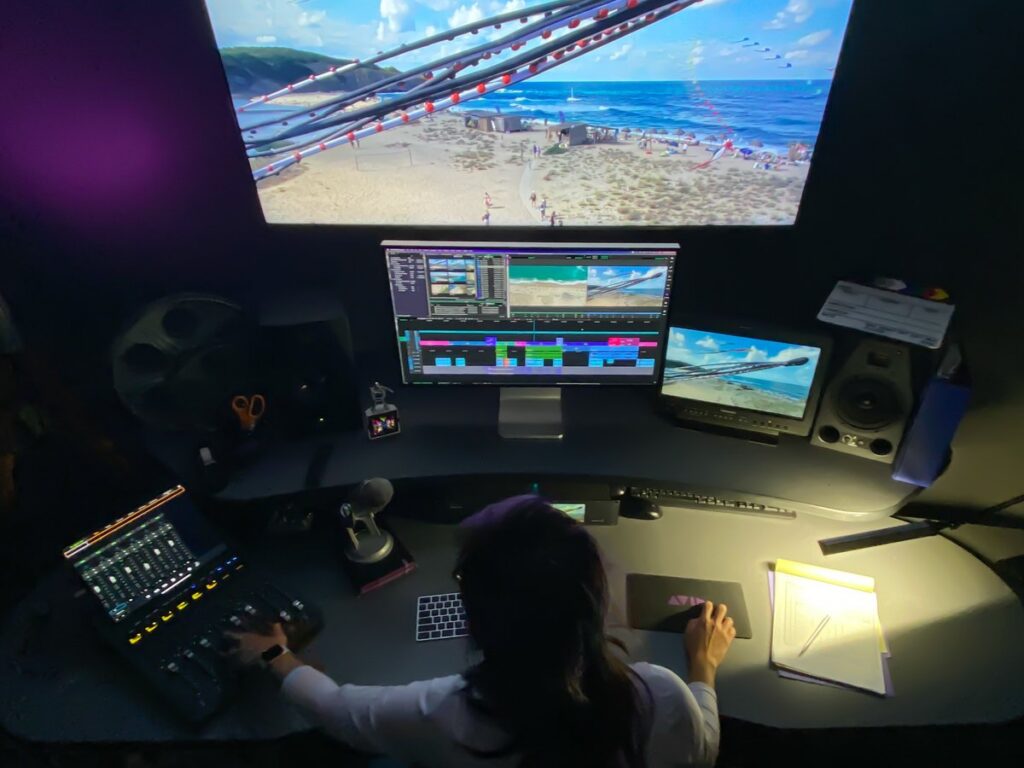
Imagine a student beginning a documentary at home, then taking that project into a university editing suite—or a professional post-production facility—to finish using Media Composer Symphony.
Previously that workflow simply wasn’t possible.
Now it is.
What Still Isn’t Included?
Media Composer First still does not include:
- Symphony
- PhraseFind AI
- ScriptSync AI
- NewsCutter
- Collaborative editing on shared storage
- MediaCentral Workgroup collaboration
It’s still the entry-level edition—but it’s a dramatically more capable one.
Media Composer Standard Gets Collaborative Editing
Commercial editors working with smaller budgets also receive an important upgrade.
Prior versions of Media Composer Standard provided the core editing tools but didn’t include collaborative editing using Avid Bin Locking.
Starting with Media Composer 2026.8.
They do.
That means independent production companies, corporate media teams, and smaller post houses can now collaborate on Avid NEXIS shared storage without purchasing Ultimate licenses.
For many facilities, this alone may change which edition makes the most financial sense.
Standard Edition Still Doesn’t Include
Unless purchased separately:
- Symphony
- PhraseFind AI
- ScriptSync AI
- NewsCutter
Nor does it include MediaCentral Workgroup collaboration.
Media Composer Ultimate Welcomes Expands Perpetual Licensing
Another major announcement is the expansion of Media Composer Ultimate Perpetual licensing.
Many organizations prefer perpetual licensing because it provides permanent ownership of the software while allowing optional support and update plans. This expansion of the features set aligns more clearly with Media Composer Ultimate.
Customers can choose between:
Standard Support
- 24–48 hour response
- Standard priority escalation
Elite Support
- One-hour response
- Highest priority support
If your previous perpetual support plan expired before January 1, 2022, you’ll need to purchase a new perpetual license through an authorized Avid reseller.
Media Composer 2026.8 Changes Third-Party Shared Storage Collaboration
Previously, many 3rd party storage vendors (Edit Share, Facilis for example and others) have been able to emulate Avid’s Bin Locking technology when used in Media Composer shared Project type workflows. Avid see this as an unauthorised (un-licensed) use of their technology which leaves users at risk from insecure connections to their media and of stability related issues.
To ensure a more stable editing experience when working collaboratively, and to bolster the security of Avid media files, with Media Composer v2026.8, Avid are closing a supported path for un-authorised third party storage emulation by removing the ability to work in Shared Project workflows hosted on 3rd party storage systems for Media Composer Ultimate. This does not prevent users from continuing to host Media Composer media files on third-party storage, but it will limit the capability to collaborate with colleagues where more than one Editor accesses an Avid Project hosted on third-party storage. Caveat: The third-party storage workflow will not require a workaround or additional software or hardware to run.
Before the Avid Shared Projects feature, receiving support for third party storage was more difficult. By introducing this as Avid technology, Avid is able to fully support and qualify it properly for customers.
Media Composer Ultimate continues to include:
- PhraseFind AI
- ScriptSync AI
- Symphony
- NewsCutter
- Managed Proxy workflows
- Access to Avid MediaCentral Workgroups
- Access to Distributed Processing Workgroups
Enterprise Expands Collaboration
Media Composer Enterprise gains one of the most requested capabilities:
Support for third-party shared storage in collaborative Bin Locking workflows. This feature is natively supported by Media Composer Enterprise, and means that even if the third-party storage does not offer any form of project management tools itself, as long as it delivers sufficient storage performance to support the workflow and media resolution workload, Media Composer Enterprise will be able to offer a collaborative Bin Locking Editing experience natively.
Media Composer Enterprise continues to include:
- PhraseFind AI
- ScriptSync AI
- Symphony
- NewsCutter
- Managed Proxy workflows
- Access to Avid MediaCentral Workgroups
- Access to Distributed Processing Workgroups.
- Enterprise Management
- Virtual machine editing
Facilities using Avid NEXIS should also note that Media Composer 2026.8 requires installation of the Avid NEXIS 2026.6 client.
Frequently Asked Questions
Is proxy generation included with Media Composer Standard?
No. Proxy creation and relinking remain available only with Media Composer Ultimate and Enterprise.
Does Media Composer Standard support Distributed Processing?
No. Distributed Processing depends on MediaCentral Cloud UX and is not available with Media Composer Standard.
Can Media Composer Standard use the Avid Floating License Server?
No. Media Composer Standard does not currently support deployment using the Avid Floating License Server.
Can Media Composer Ultimate and Enterprise licenses coexist on the same Avid Floating License Server?
Yes. However, the Reservation feature of the Floating License Server should be used to assign a specific license type to a specific workstation. This ensures that each workstation consumes the intended license during an active editing session.
Can I use third-party shared storage with Media Composer Ultimate 2026.8?
Yes, if the third-party storage is being used to store Avid media files and each editor is working with their own Avid Project. No change is expected for this type of workflow, and Media Composer Ultimate 2026.8 can continue to use third-party storage for media as normal.
The change affects collaborative Shared Project workflows where the Avid Project data is also hosted on third-party shared storage and the workflow relies on Avid Bin Locking.
For these collaborative workflows, users can remain on Media Composer Ultimate 2025.12.x or earlier until their subscriptions expire. They can then move affected workstations to Media Composer Enterprise when upgrading to Media Composer 2026.8 or later.
For customers who want to upgrade to Media Composer 2026.8 or later during their current Ultimate subscription term, Avid is offering an upgrade from Media Composer Ultimate to Media Composer Enterprise for $99 per subscription.
How can I learn more about Avid’s changes to third-party shared storage support in Media Composer Ultimate 2026.8?
Avid and several third-party storage manufacturers have published Knowledge Base articles with additional information about these changes. For Avid’s guidance, see:
Avid Knowledge Base: Shared Project Workflows with Third-Party Storage
You may also want to subscribe to Avid’s Media Composer Documentation Landing Page for updates. When Avid releases Media Composer 2026.8 and updates its documentation, subscribers can receive email notifications.
Media Composer Documentation: Media Composer Documentation Landing Page
To subscribe, look for the subscription option under Tools in the upper-right corner of the Avid Knowledge Base page.
Final Thoughts
Media Composer v2026.8 isn’t just another feature release—it’s a meaningful restructuring of the Media Composer product family.
Students gain access to professional editing workflows. Smaller production teams gain collaborative editing without moving to Ultimate. Enterprise customers gain greater storage flexibility. Ultimate Perpetual licensing gives organizations another option for managing long-term software investments.
Taken together, these changes make Media Composer more accessible, more secure, more collaborative, and more flexible than previous releases.
If you’re unsure which edition best fits your workflow—or whether it’s time to upgrade—ASG’s Media Systems team can help evaluate your environment and recommend the licensing and deployment strategy that best meets your production needs.
For further reading:
So, You Bought a Super-Fast New Mac for Your Pro Tools Rig. Now What?
Ready to discuss your next project?
Related Articles
Ethernet Control Surfaces, or How I Stopped Worrying and Learned to Love the Subnet
Read More
Read More
Read More